 rumaruma
Ceiling Fan and Downlight Placement: How to Stop Flickering Blade Shadows at Home
Put a downlight too close to a ceiling fan and the blade shadows flicker across every page you read — here’s how to place them right.
On this page
- What Ceiling Fan Shadow Flicker Is — and Why It Strains Your Eyes
- Why It Happens: The Light Is Above the Blades
- Ceiling Fan and Downlight Placement Rules
- Rooms Where Fan Flicker Matters Most
- Choosing a Fan That Won’t Cause Flicker
- Already Installed? How to Fix Ceiling Fan Shadow Flicker
- For Contractors and Electricians
- Checklist Before You Approve Your Lighting Plan
Your child is doing homework at their new study desk. The renovation is finished, the downlights are bright, the fan is on — and after twenty minutes they’re rubbing their eyes and saying their head hurts. Their eyesight is fine. The problem is above them: a downlight sitting just behind the spinning fan blades.
Getting ceiling fan and downlight placement right costs nothing at the drawing stage. Getting it wrong means flickering shadows over every desk, bed and dining table in the room — and fixing it after the plaster ceiling is up means cutting holes, patching and repainting. This guide explains why it happens, the placement rules to follow, and what to do if your fan is already installed.

What Ceiling Fan Shadow Flicker Is — and Why It Strains Your Eyes
When a light shines through a spinning fan, each blade blocks it for a split second. A three-blade fan at full speed passes in front of the light roughly 10 to 20 times a second, so the light on your desk dims and brightens in a fast, steady pulse. This is called shadow flicker, or the strobe effect.
Some people barely notice it. Others feel it within minutes, especially during close work:
- Eye strain and tired eyes — your eyes keep readjusting to the changing brightness
- Headaches — often building slowly over a long reading or homework session
- Dizziness or mild nausea — the moving bands of shadow can feel like the room is shifting
- Poor concentration — a flickering page is hard to focus on, even if you can’t say why
Children are the most likely to suffer without saying so. They won’t tell you the light is flickering; they’ll just struggle to finish their work, or complain of a headache at bedtime.
There’s one more reason to take it seriously. According to the UK’s Epilepsy Society, flashing light at 3 to 30 flashes per second is the most common trigger range for people with photosensitive epilepsy — and fan flicker sits inside that range. Fan shadows are usually much softer than a strobe light, but if anyone at home has epilepsy or is sensitive to flashing light, avoid fan flicker in the rooms they use and ask their doctor for advice.
Why It Happens: The Light Is Above the Blades
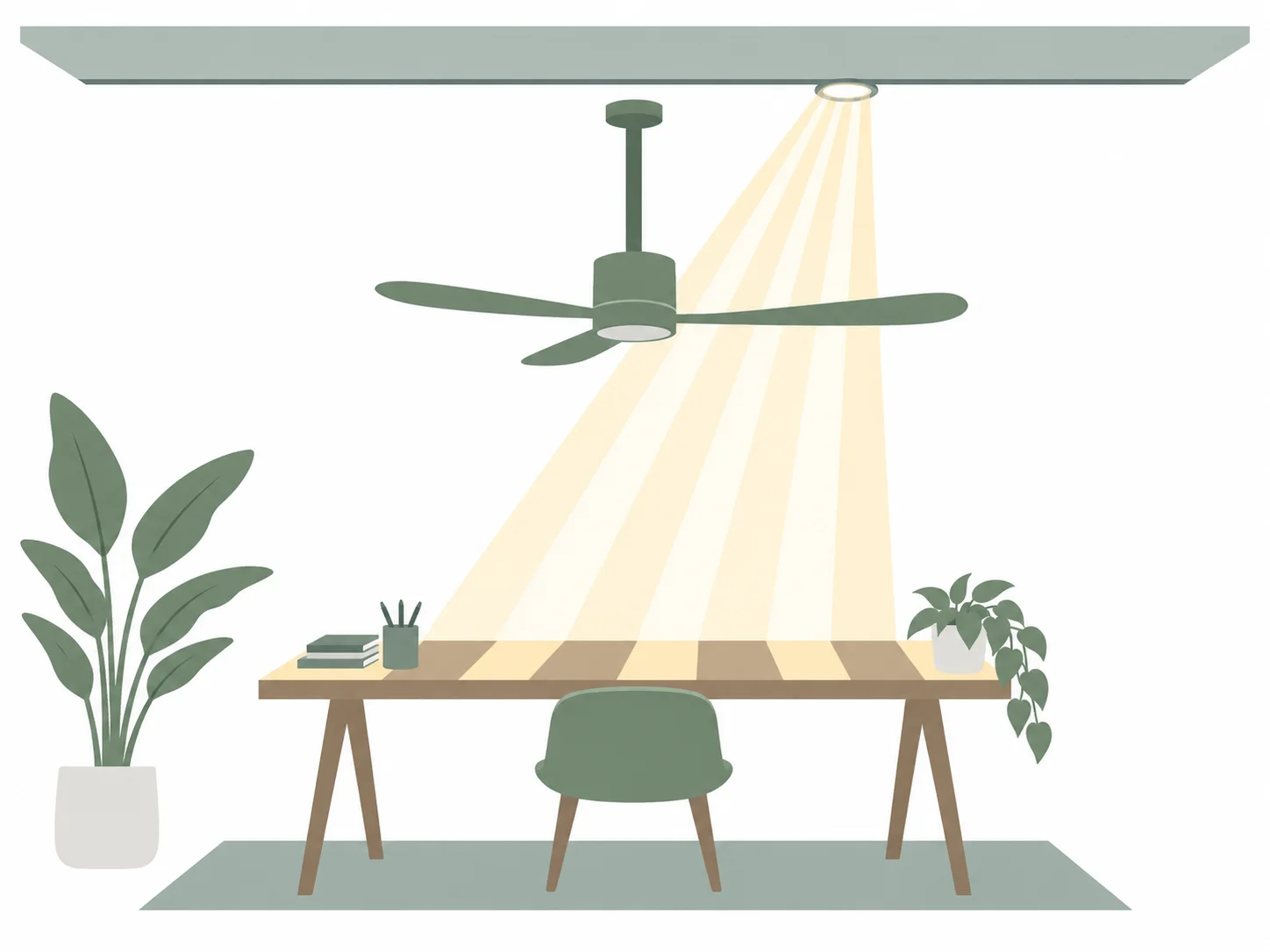
Recessed downlights sit in the ceiling, so they are always above the fan blades. That’s fine as long as the light travelling from the downlight to your desk doesn’t have to pass through the circle the blades sweep. The moment it does, you get flicker.
Two things make this easy to get wrong:
- The shadow lands on the far side. A downlight on one side of the fan throws its flicker across to the opposite side of the room — so the problem often shows up at a desk or bed that isn’t directly under the fan at all.
- Modern LED downlights spread wide. Many have a beam angle of around 120°, so light from a downlight even a short distance from the fan still clips the blades on its way down.
Low ceilings make it worse. In a typical Malaysian condo, the plaster ceiling sits around 2.6–2.8 m high, and the fan blades hang only 25–50 cm below it — so the light and the blades are close together, which makes the flicker stronger.
Ceiling Fan and Downlight Placement Rules
These five rules prevent flicker in almost every room. Use them when you review the lighting plan with your interior designer or electrician — before any holes are cut in the ceiling.
1. Never put a downlight inside the blade circle
Measure the fan’s blade span — the size it’s sold by. A 56-inch (142 cm) living room fan sweeps a circle about 71 cm from the centre; a 42-inch (107 cm) bedroom fan, about 53 cm. No downlight should sit inside that circle, under any circumstances.
2. Keep downlights 60–90 cm beyond the blade tips
Just outside the circle isn’t enough. Electricians commonly work to a clearance of 2–3 ft (60–90 cm) from the blade tips to the nearest downlight, and more for wide-beam LED downlights. For a 56-inch fan, that puts the nearest downlight roughly 1.3–1.6 m from the fan’s centre.
3. Do the line-of-sight test from every seat
Sit (or imagine sitting) at each spot where someone will read, work or eat: the study desk, the bed, the sofa, the dining chairs. Look up at the light you’d be using. If the fan blades are between your eyes and that light, the spot will flicker. Move the light, or move the furniture plan.
4. Put task lights over the task, not across the room
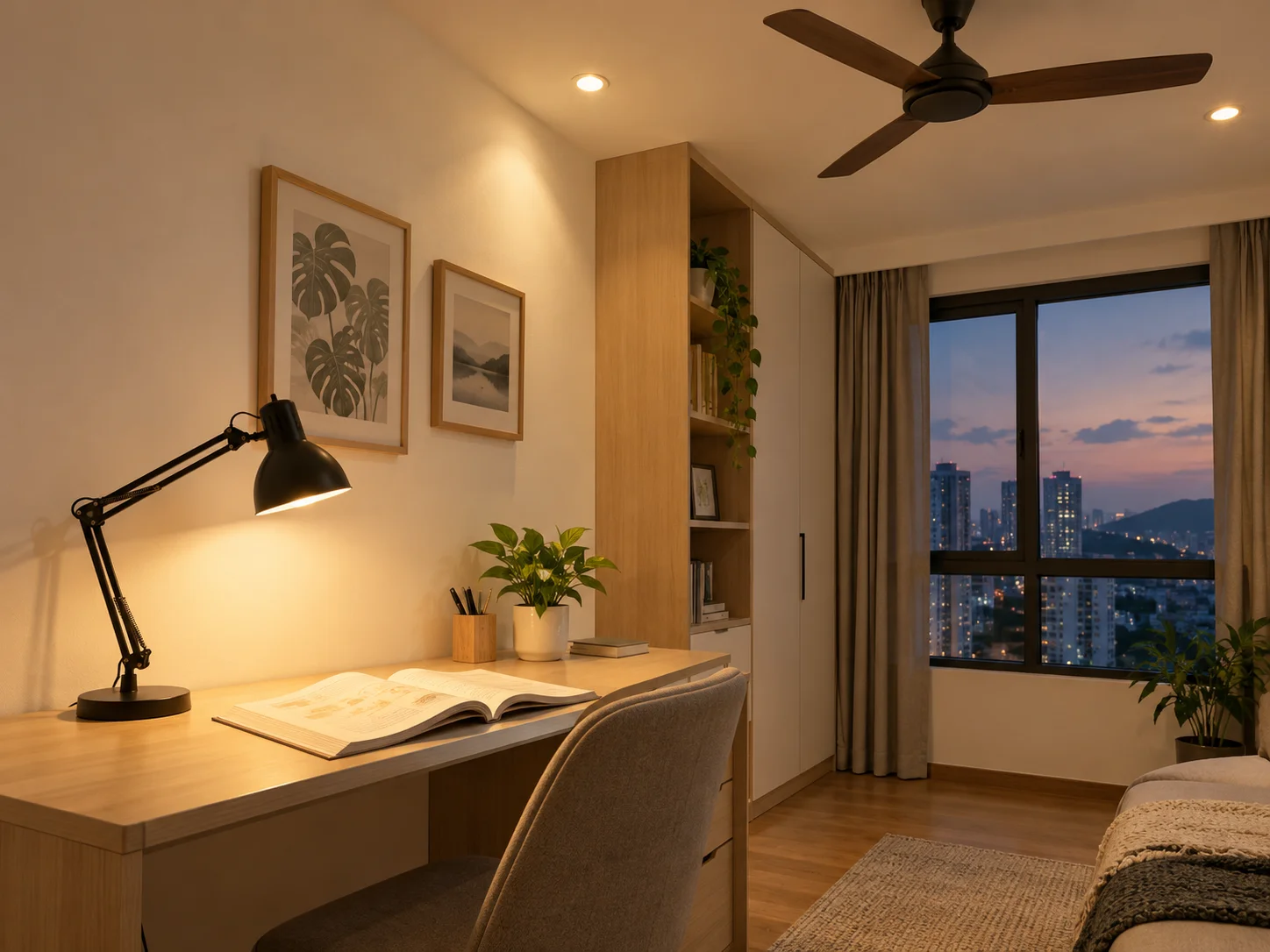
The light someone reads by should be close to them — above or beside the desk, the bedside or the reading chair — on the same side of the fan as they are. A desk lamp or wall light sits below the blades, so it can’t flicker at all.
5. Hang the fan high enough, but not too low
Keep the blades at least 2.1 m above the floor for safety. Don’t add a long downrod in a standard-height condo just for looks: the closer the blades get to the desk, the sharper and more noticeable the shadows become.
Rooms Where Fan Flicker Matters Most
Fan flicker is a nuisance anywhere, but it does real damage where people do close, focused work.
| Room | Where flicker hits | What to plan for |
|---|---|---|
| Study room or study nook | The desk, especially homework sessions | Desk lamp or a downlight directly over the desk, well clear of the fan |
| Children’s bedroom | Study desk and reading in bed | Bedside wall light; fan centred away from the desk side |
| Master bedroom | Reading in bed, often with the fan on all night | Bedside lamps or wall lights instead of downlights over the headboard |
| Living room | Sofa reading spot, TV wall glare | Fan with built-in light, or cove lighting for general light |
| Dining area | Plates and faces at the dinner table | Pendant over the table, fan placed over the living zone instead |
If you’re setting up a study corner, our guide to Scandinavian home office ideas for Malaysian condos covers desk position and warm task lighting in more detail. If you’ll work at a standing desk, check the light from your standing eye level too.
Choosing a Fan That Won’t Cause Flicker
The fan itself can solve half the problem.
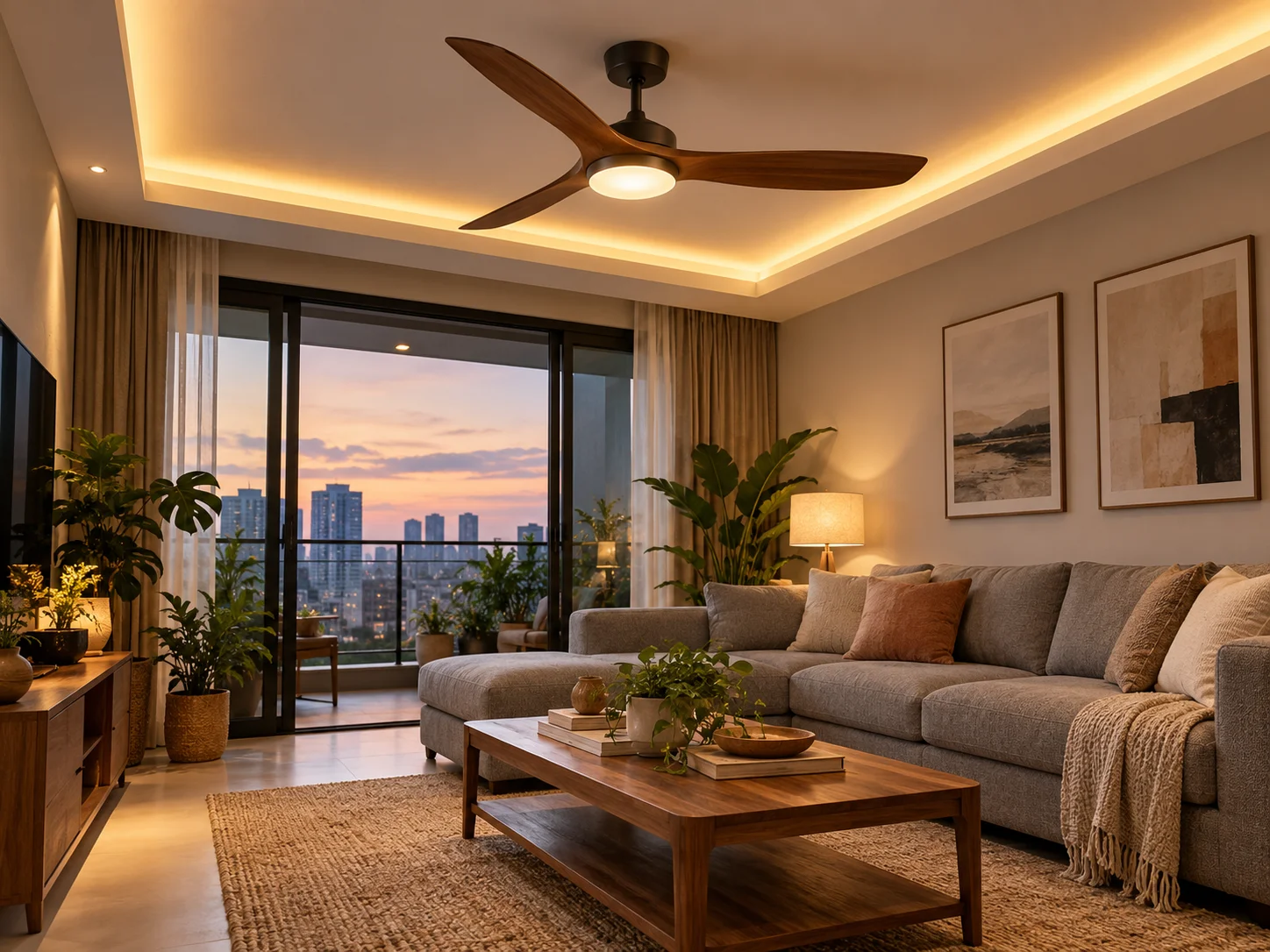
- Fan with a built-in LED light — the light sits below the blades, so it can’t be blocked by them. In a room where the fan has to go in the centre, letting the fan provide the main light avoids the clash altogether. KDK, Panasonic and Deka all sell fans with integrated LED lights in Malaysia.
- Matte blades over glossy ones — glossy or mirror-finish blades bounce light around as they spin, adding a flashing reflection to the shadow.
- Cove or indirect lighting — light washing off an L-box or ceiling cove comes from many directions at once, so no single blade can block it. It’s a good choice for general living room lighting around a fan.
Already Installed? How to Fix Ceiling Fan Shadow Flicker
If the plaster ceiling is up and the flicker is already there, work through these fixes from cheapest to most disruptive.
| Fix | What it involves | Cost guide |
|---|---|---|
| Add a desk lamp or bedside light | A lamp below the blades does the reading work; switch off the flickering downlight | A basic LED desk lamp from IKEA or Mr. DIY costs well under RM100 |
| Rewire the switching | Put the downlights near the fan on their own switch so they can be turned off when the fan is on | Electrician’s labour; depends on how the existing wiring runs |
| Replace with a fan that has a built-in light | Swap the fan, then use its light and switch off the nearby downlights | Installation of a fan with light around RM100–170 in the Klang Valley, plus the fan |
| Move the downlight | Cut a new hole further out, extend the wiring, patch and repaint the old hole | A new light point runs about RM65–150; moving one costs more because of the extra cabling and plaster patching |
| Move the fan point | New ceiling hook or support, extended wiring, patching | The most expensive and messy option — get two or three written quotes |
Prices are indicative for the Klang Valley in 2026 and vary by electrician and how the ceiling is built. Before agreeing to any work, ask what’s included — wiring, concealment, plastering and repainting are often quoted separately.
For Contractors and Electricians
Most fan flicker problems are created on the ceiling plan, not on site. A few habits prevent them:
- Draw the blade circle on the reflected ceiling plan — mark the fan point with its full blade span plus a 60–90 cm clearance ring before placing any downlights.
- Check the beam angle — a 120° LED downlight needs more clearance than a narrow-beam spotlight. Use the manufacturer’s photometric data when the layout is tight.
- Mark fixed furniture first — desk, bed and dining table positions decide where task light is needed. Run the line-of-sight check from each one.
- Separate the switching — downlights near a fan should never share a switch with the main reading light.
- Raise it with the homeowner before cutting — a two-minute conversation at the drawing stage saves a return visit and a patching job later.

Checklist Before You Approve Your Lighting Plan
Bring this to your next meeting with your interior designer or electrician. It slots straight into the questions to ask your interior designer before signing the contract, and belongs on any complete renovation checklist.
- Every fan point is marked on the ceiling plan with its blade span drawn as a circle
- No downlight sits inside a blade circle
- Downlights are at least 60–90 cm beyond the blade tips
- The desk, bed, sofa and dining positions are marked, and each passes the line-of-sight test
- Each desk and bed has its own task light — a lamp, wall light or downlight clear of the fan
- Downlights near a fan are on a separate switch
- Fan blades will hang at least 2.1 m above the floor
- You’ve decided whether the fan will have a built-in light
Flickering lights sit high on the list of small renovation mistakes Malaysians make — small because the fix on paper takes minutes, and expensive because the fix on a finished ceiling doesn’t. Get the plan right and the payoff is a room that simply feels calm: steady light on the page, a cool breeze overhead, and a child who finishes their homework without a headache.